
Setting up the order
First, you must set up the job order data.
-
In order to do so, start the EyeC ProofRunner software by double-clicking on
the desktop icon.
After the start up, the following screen is displayed:
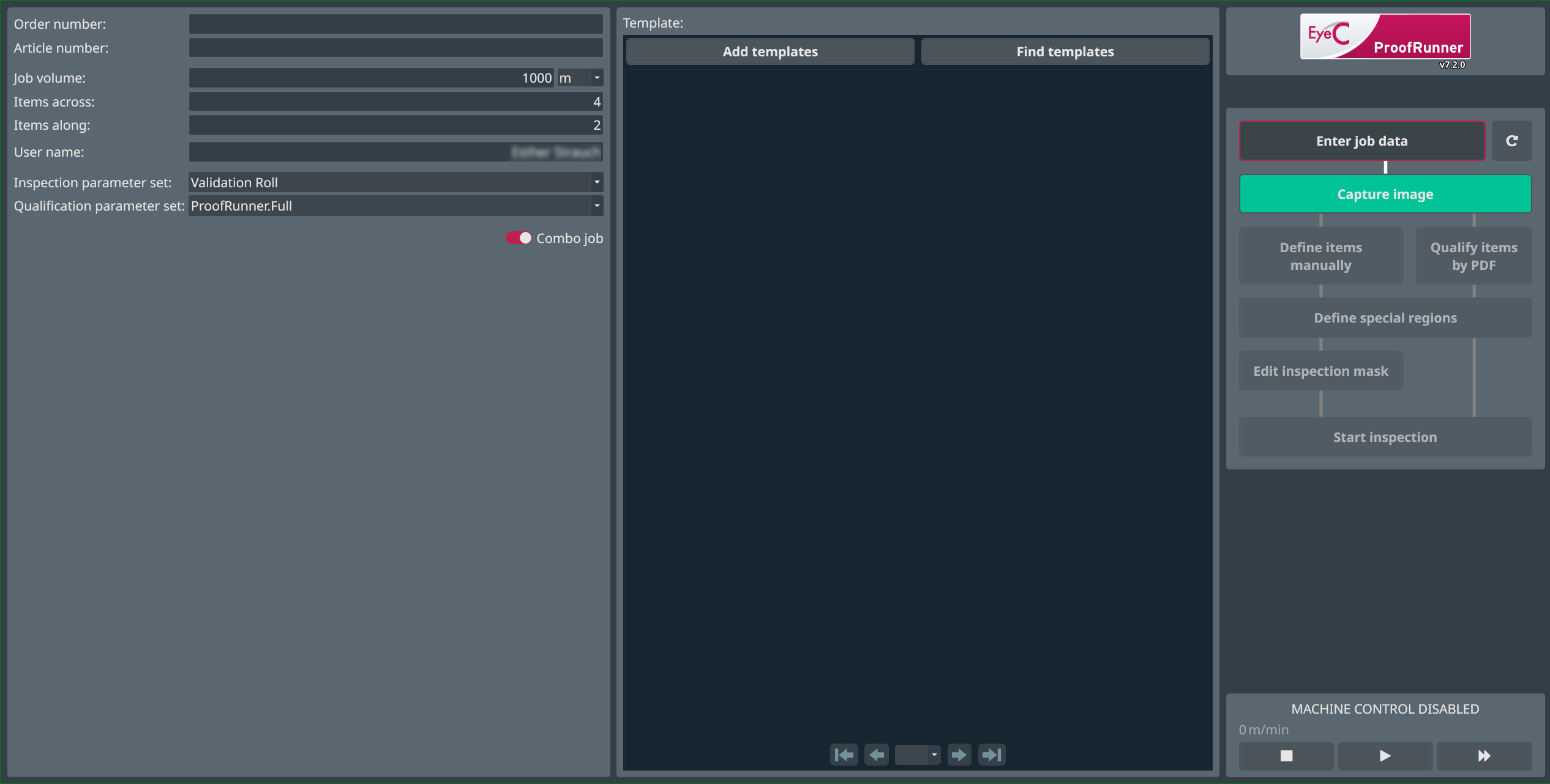
Figure 1. Start screen of the EyeC ProofRunner