
Synchronizing the roll
-
Press the Sync button to sync the belt with the inspection results.
 Note:The following message appears:The barcode or the marker is the synchronization point of the roll. Synchronize the roll with the inspection at this point with the Sync button!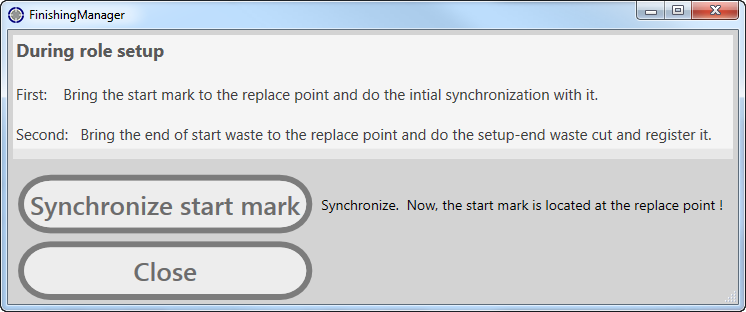
Figure 1. Synchronization dialog -
After synchronization, start the machine by clicking on the Start
button.

-
The machine runs until the first error:
- If the error is significant, replace the concerning label and press the
button.

- If the error is not significant, approve the label as “good” and press
the Good button.

- If the error is significant, replace the concerning label and press the
button.
-
To restart the machine after a replacement or approval, press the Start
button again.