
Quality Link job data
For the individual job data, see the following table.
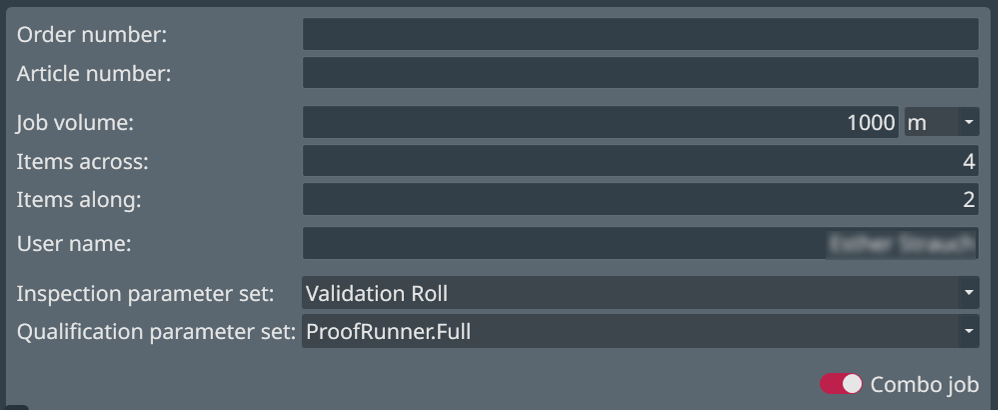
| Name | Description |
|---|---|
| Order number |
Customizable field name. Enter the order number for the job manually or with the optional barcode reader. |
| Article number |
Customizable field name. Enter the article number for the job manually or with the optional barcode reader. |
| Job volume | Length of the roll in meters. The units are by default in
metric dimensions. For changing this setting to imperial (see example in following figure) see EyeC ProofRunner System Manual.  |
| Items across | Number of items on the roll (across). |
| Items along |
Number of items on the roll (lengthwise). |
| User name | Name of the user or operator. |
| Inspection parameter set | Here you can retrieve previously saved parameter sets, which refer to the (continuous) check. |
| Qualification parameter set | Here you can retrieve previously saved qualification parameters, which refer to the approval against a PDF |