
Creating a reference sheet image
| NOTICE | |
|---|---|
-
After downloading the job data, the software automatically begins with the
image of the reference sheet.
The received sheet is displayed, however it is not yet inspected.
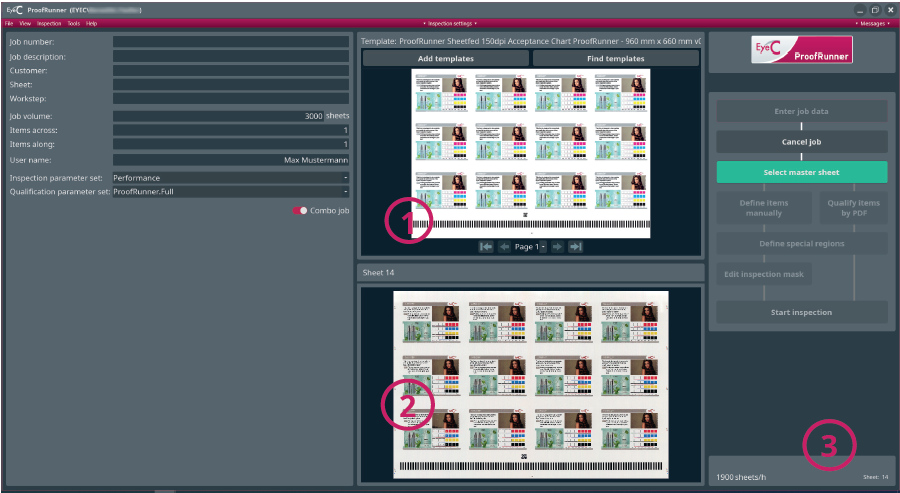
Figure 1. The reference sheet image Table 1. Reference sheet image Number Description 1 Display of the currently displayed sheet. Display is delayed. 2 Display of the currently printed sheet. Display is continually updated. 3 If display is activated: current machine speed.