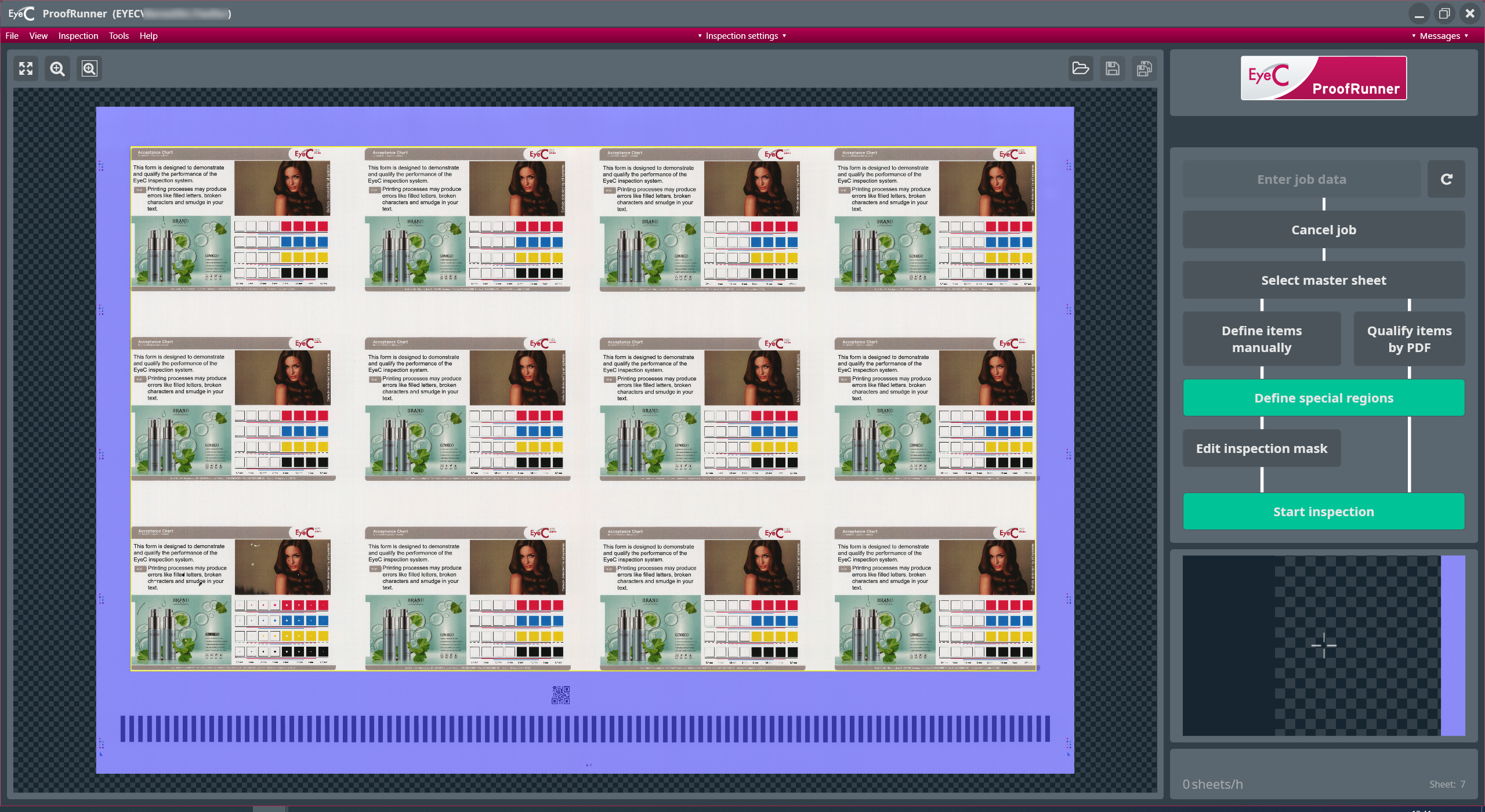
If no suspicious areas are found or all
suspicious areas have been evaluated as good and the good sheet is approved as
the reference sheet, then the EyeC ProofRunner software shows the
reference sheet with all marked and inspected ups.
Areas marked in blue on the reference sheet are in the defined
inspection mask area that is excluded from the inspection. The margins of the
ups are marked by yellow lines.
If suspicious areas are found, then the inspection mask may have to be
confirmed manually.