
Report of the inspection results
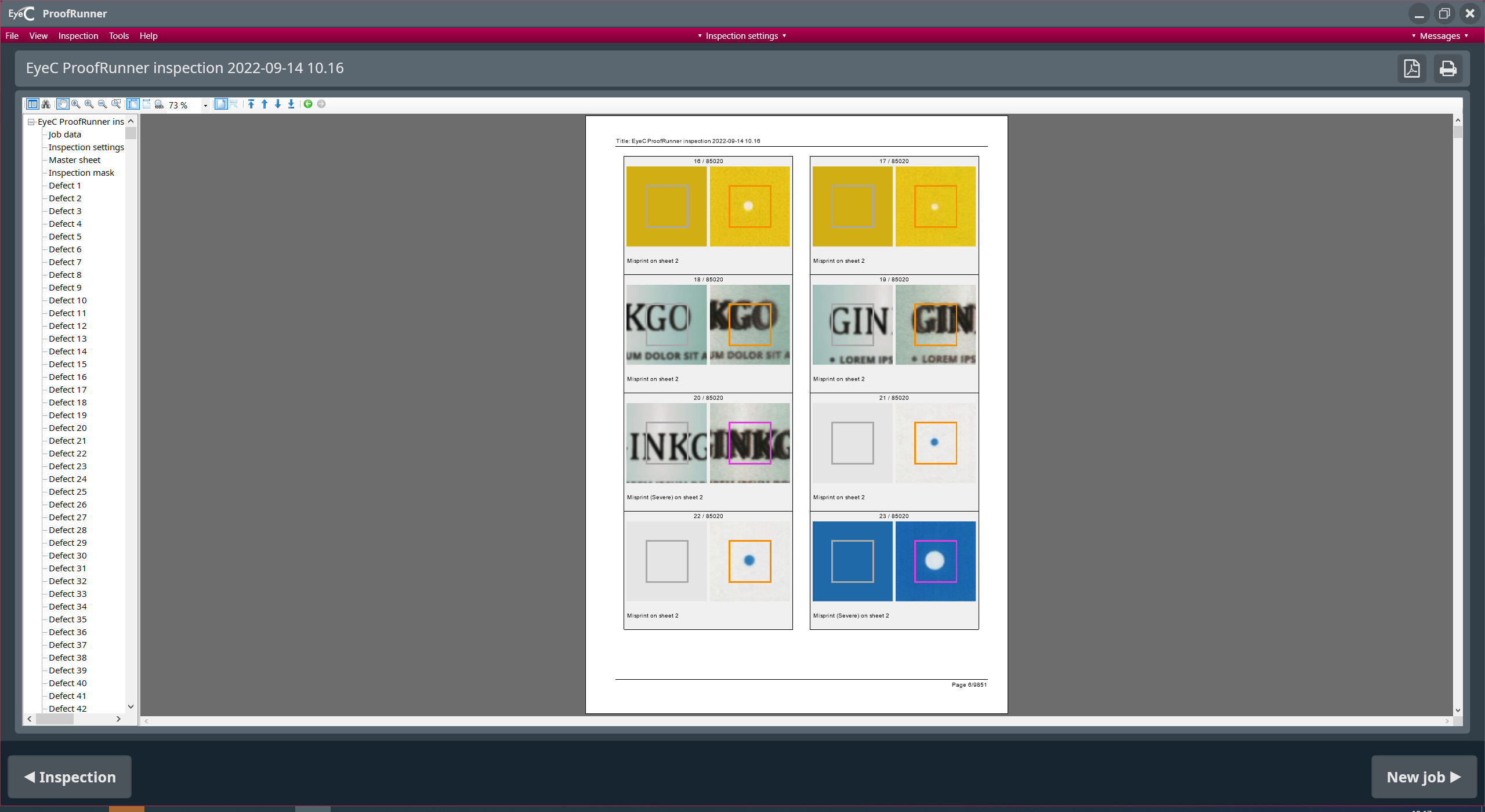
After finishing the printing process or after a new set-up of the printing machine, the inspection process ends automatically and a report is created automatically. The content of this report is customizable. By default, the report is created without showing the report view (see following figure). If you choose the external reporting option, no report view is shown and the report is created in the background.
The report contains the following data:
-
Job data and parameters used
-
Number and evaluation of all suspicious areas (Suspicious area)
-
Reference sheet
-
Inspection mask
-
Detailed information on all suspicious areas
| Button | Description |
|---|---|
 |
Returns to the print control screen. |
 |
Goes to the Start screen. |

 |
Saves or prints the displayed report. |
 |
The Next page button enables you to scroll through the following pages of the report. |