Rendering a reference image
| NOTICE | |
|---|---|
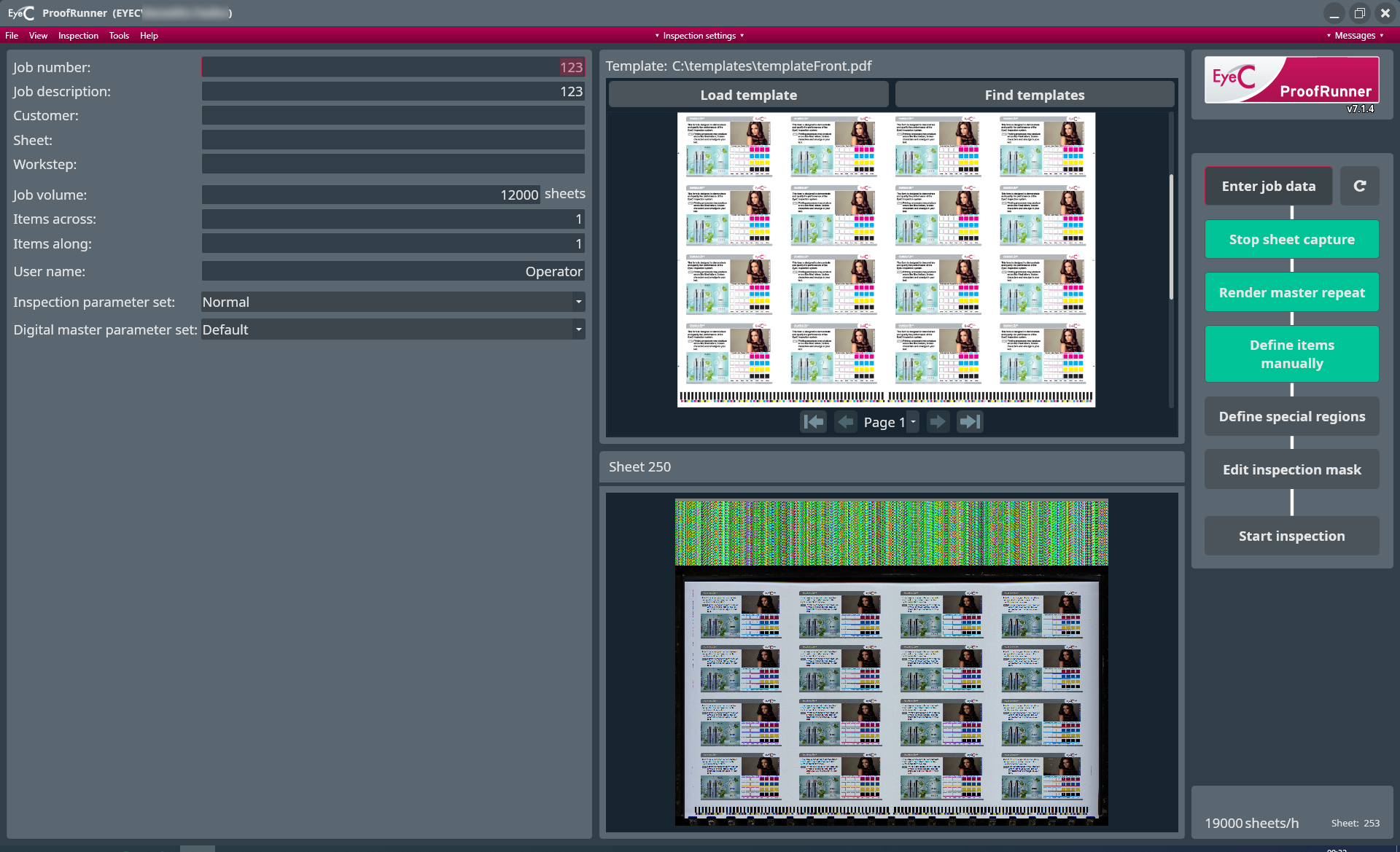
During inspection the EyeC ProofRunner Sheetfed with iX mode compares the printed sheets with a reference sheet that has been approved as correct by the operator. This reference sheet has to be created out of the prepress PDF.
-
The reference render appears, depending on the configuration of your system,
after clicking on the Render master repeat button.

-
The ProofRunner system works in both of the 2 following workflows. Choose
from:
-
In an automatic workflow the job data is automatically transferred from the printing machine and the reference PDF is created automatically.
-
The reference PDF is created manually by clicking on the Render master repeat button.
-
-
The next step is to designate exactly which parts of the sheet you want to
inspect and which parts to leave out of the inspection. Choose from:
- Select the Define items manually button.
-
Alternatively the items on the reference sheet can be defined manually. See chapter The manually-led inspection process.