
Approving the rendered reference
This task applies to the iX mode.
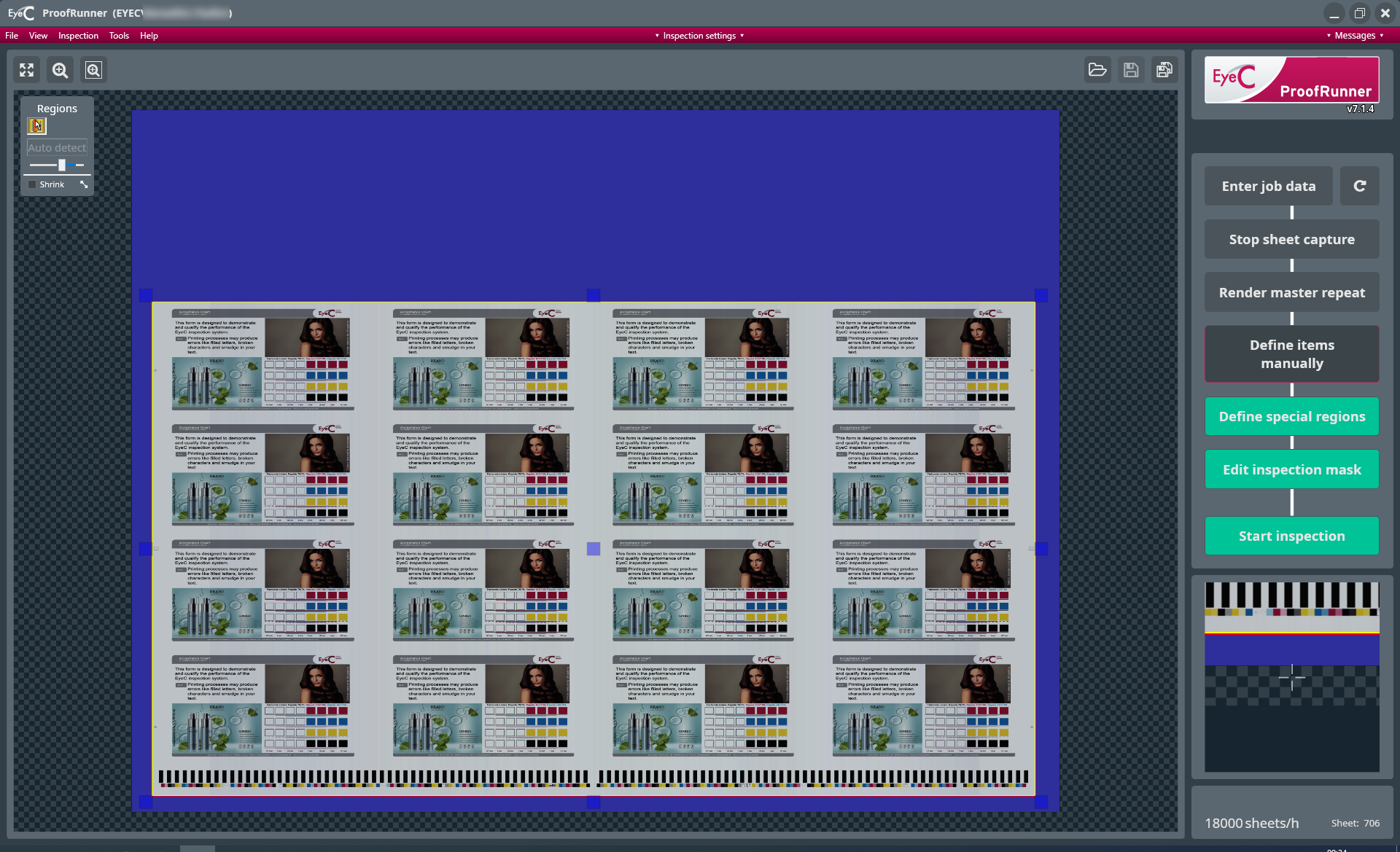
If the PDF has been successfully rendered, the software shows the resulting
reference image including the potential imported mask.
Areas marked in blue on the reference sheet are in the defined
inspection mask area that is excluded from the inspection. The margins of the
ups are marked by yellow lines.