
Ending the inspection and creating a report
If you have finished an inspection or you want to stop it, you have the option of creating an inspection report.
-
To stop the inspection, click on the Report button.

-
You now have 4 options:
- To return to the inspection, select Cancel.
- To end the inspection without creating a report, select Stop. → The inspection is stopped. To go back to the job setup screen, select Process data.
- To stop the inspection and create a report, select Stop + go to report. → The reporting screen is automatically displayed.
- If activated: To create an interim report without stopping the
inspection, select Create interim report.

See following figure.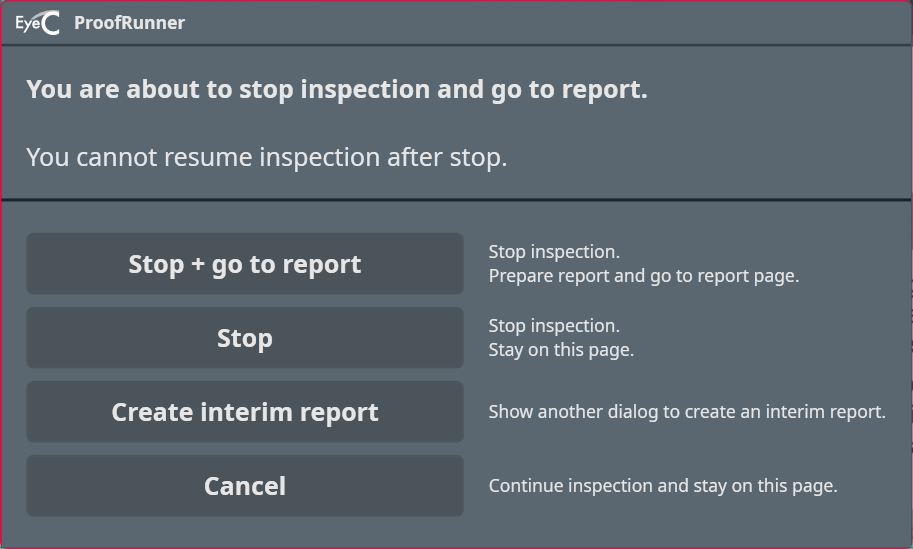
Figure 1. Stop inspection and go to report dialog