
Capturing a reference image
During the inspection, the EyeC ProofRunner compares the cartons on the belt with a reference image which has been defined as correct by the operator. This reference image has to be captured from the conveyor belt.
| NOTICE | |
|---|---|
The machine must be running at production speed when capturing the background and the reference image. Depending on the type of machine you have, either the capturing of the background of the web (definition see Web) is included in the step Capture carton or a separate step and a button Capture background are available.
-
Start the carton feeder.
- If the Capture background button is active1, click Capture background to record the background of the conveyor belt for inspection (at least 40 cm of belt without cartons). Then start the feeder and click Capture carton to record a reference image. Stop the feeder after at least 2 cartons have passed the camera system.
- If the Capture background button is not available, click
Capture carton to record the background and a reference image of
the cartons for inspection. After at least 40 cm of belt without cartons,
start the feeder. Stop the feeder after at least 2 cartons have passed the
camera system.

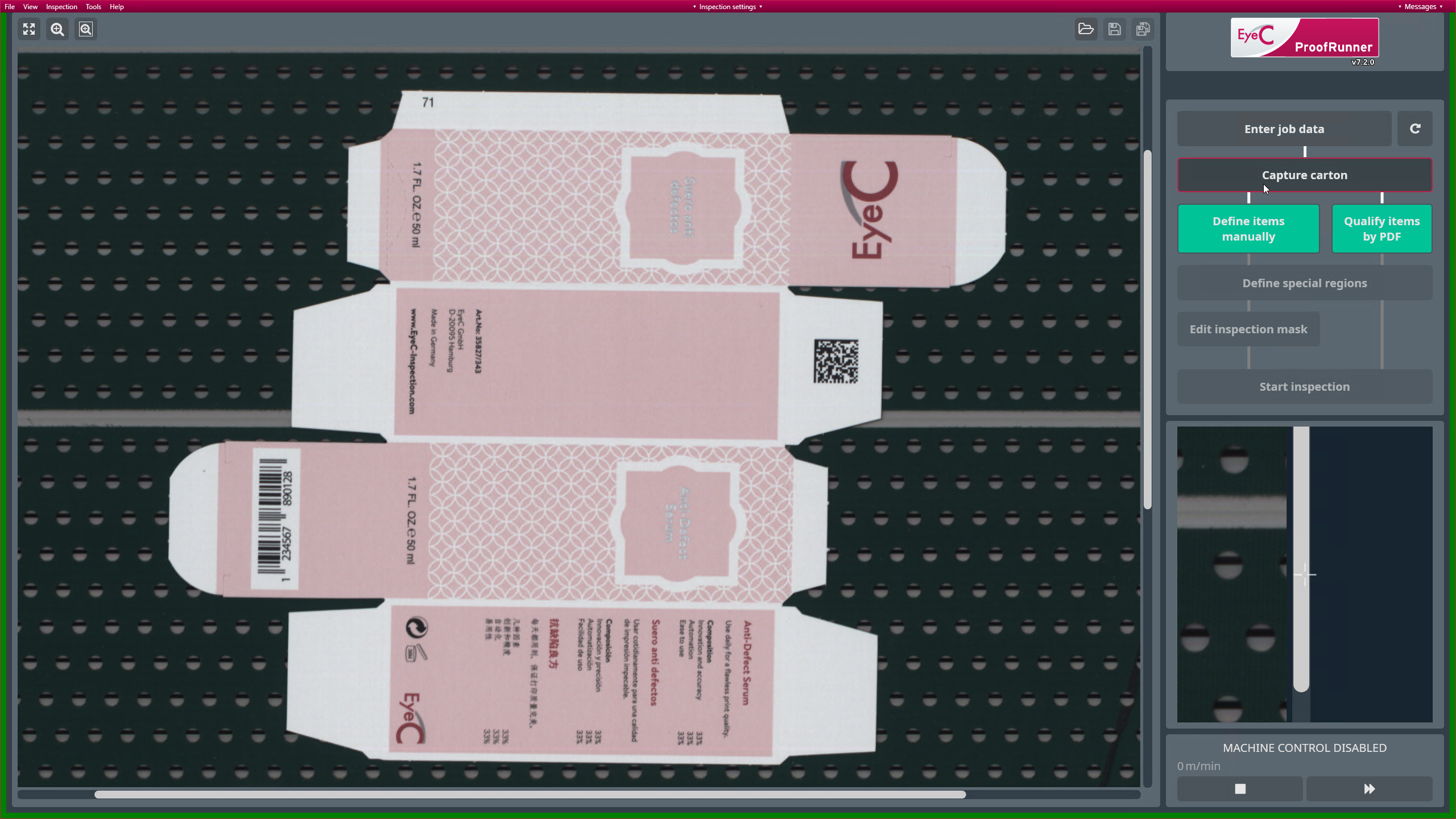
Figure 1. Job set-up screen - Capture carton In the image of the captured carton the position of the trigger finder is displayed.
-
On the right side of the screen there is a small magnified view of the area
around your mouse cursor.
- To adjust the zoom factor of the magnifier, use the slider below the
magnifier window.
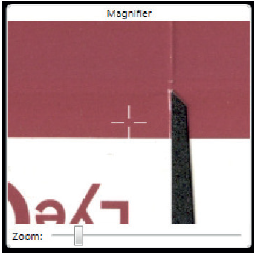
Figure 2. Job setup screen - Magnifier - To directly zoom in or out use the mouse wheel.
- To adjust the zoom factor of the magnifier, use the slider below the
magnifier window.
1 The Capture
background button is not activated in the screenshots of this
manual. If activated, it appears as part of the workflow button group on
the right side of the screen