
Loading the customer proof with Braille and selecting the Braille language

  1. To load the customer proof, press [SHIFT]+[V].
    The dialog Load customer proof is displayed.
  2. Enter the Order Number and Article Number in 1 of the following ways:
    • Enter the data by hand.

    • Scan the data with a scan gun.

    • Click on Search, locate the customer proof, and click on Open.

  3. Before starting the Braille inspection, you must select the correct Braille language for each inspection job. Select the Braille language for the customer proof from the Braille language dropdown list:
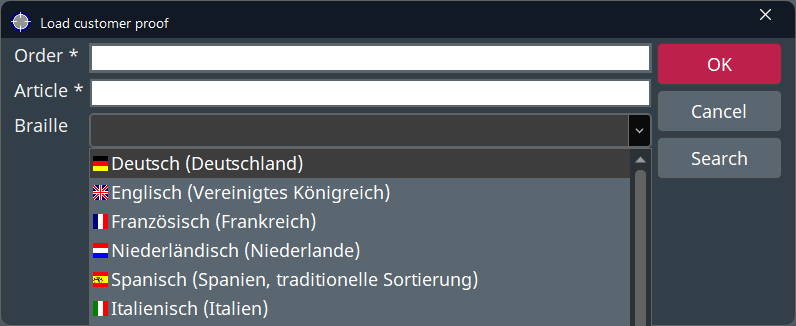
    Braille language dropdown list
    Figure 1. Braille language dropdown list
  4. To confirm, click on OK.
The customer proof is displayed in the left side of the screen.