
Configuring the inspection layers
When using layer or spot color separation, the Layer Configuration dialog may appear after acquisitioning the customer proof.
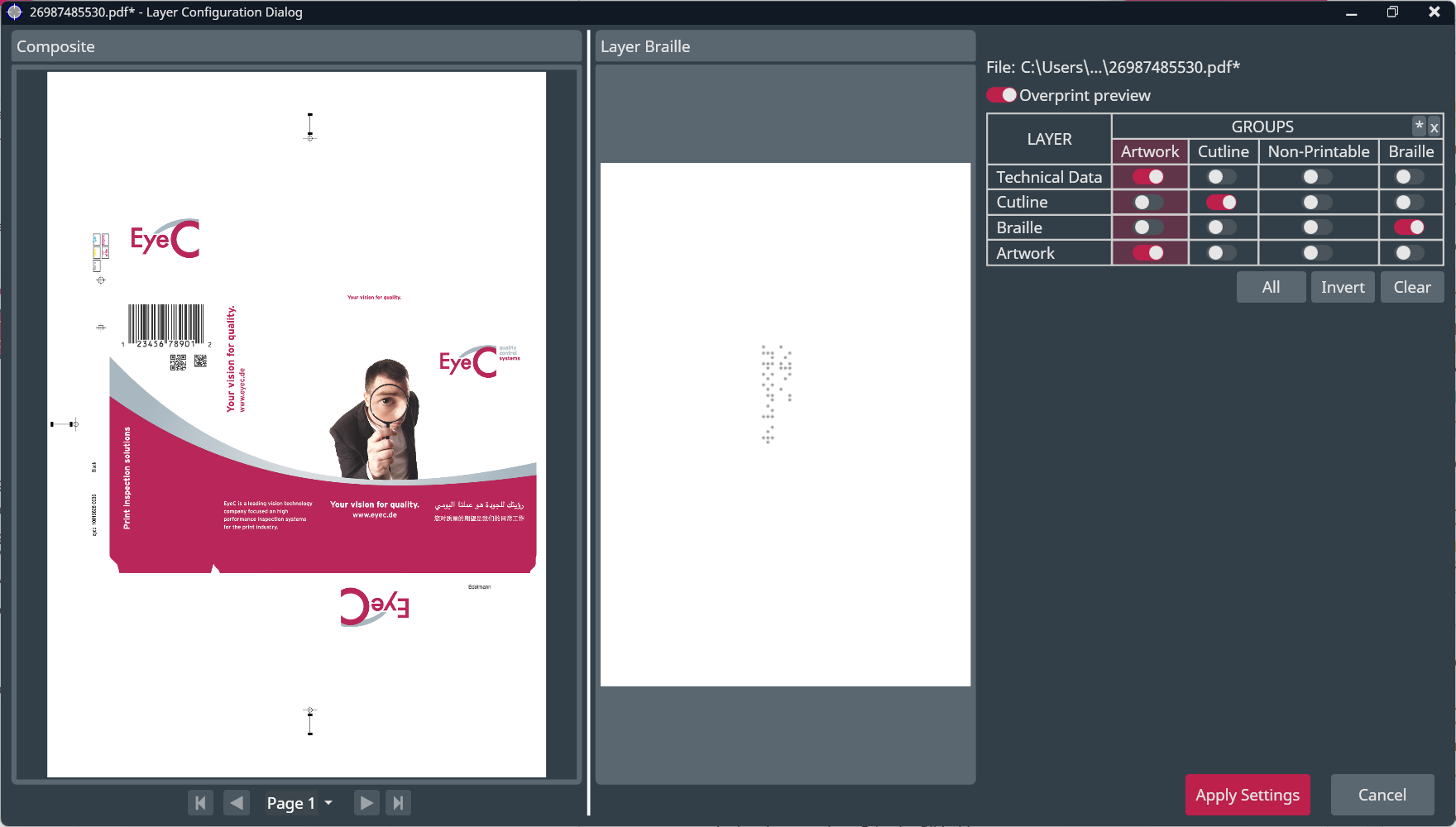
In this dialog you adjust the assignment of layers of the PDF file to Layer groups.
When using layer or spot color separation, the Layer Configuration dialog may appear after acquisitioning the customer proof.
In this dialog you adjust the assignment of layers of the PDF file to Layer groups.