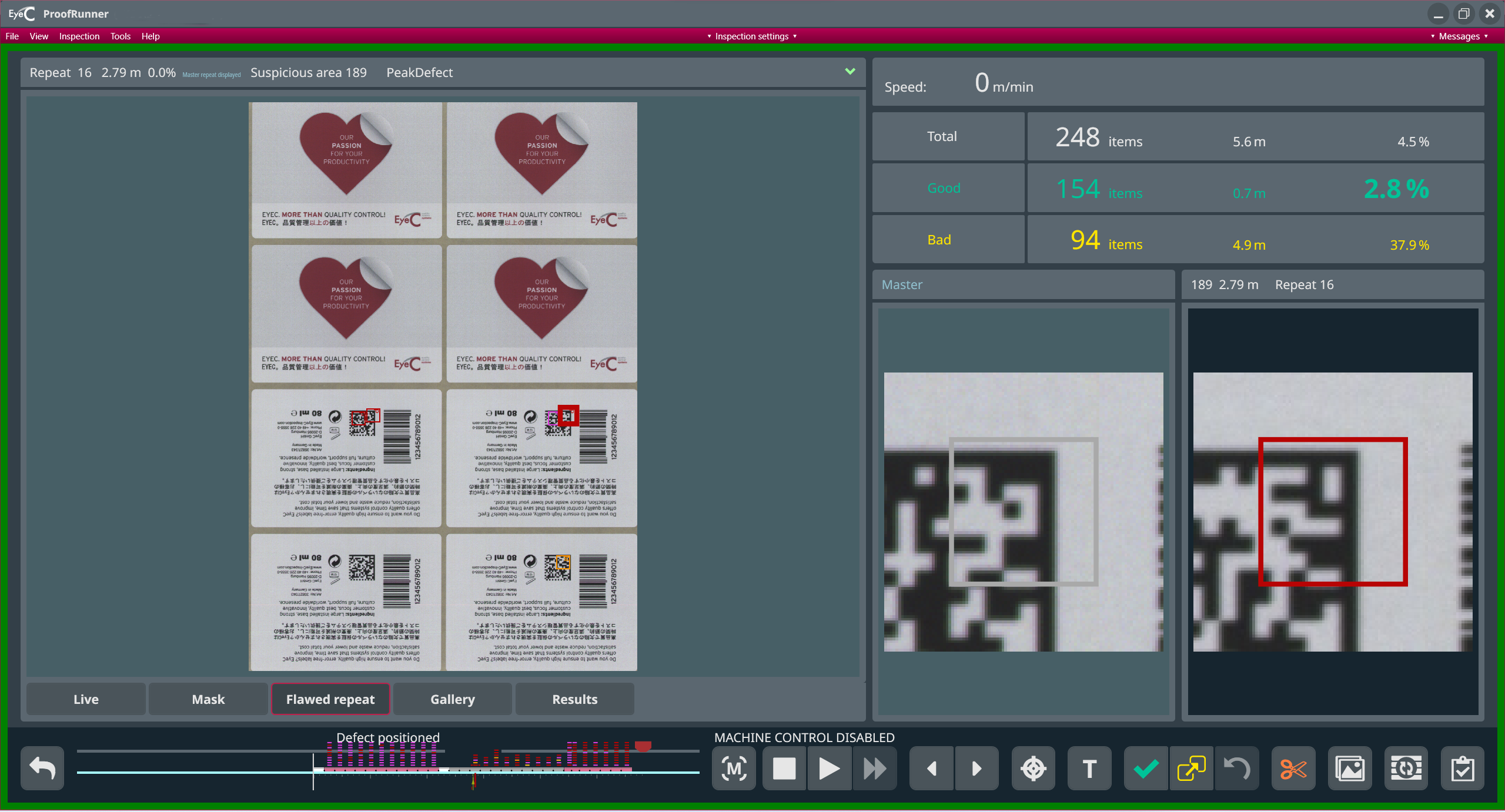
Starting the inspection Ensure that the mask is positioned correctly. To start your machine and begin the inspection, click the Start inspection button. The job set-up screen changes to the inspection screen: Figure 1. EyeC ProofRunner inspection screen