
Scrolling and zooming in the batch
-
You can move the section [A] from the total batch [G] by selecting 1 of the
following options:
-
Click in the selection area and move it with the mouse.
-
Move the selected region with the mouse wheel. Scrolling up moves the area up while scrolling down moves the region down.
-
Use the buttons along the bottom border of the selection region. The button on the left moves the region up and the button on the right moves the region down (see following figure).
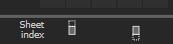
Figure 1. QcStation - scroll buttons
-
-
You can set the zoom factor by scrolling the mouse wheel while holding down the
[Ctrl] key. Scrolling upwards increases the area, scrolling downwards decreases
the area. This feature can be set up for you by the EyeC Service Team.
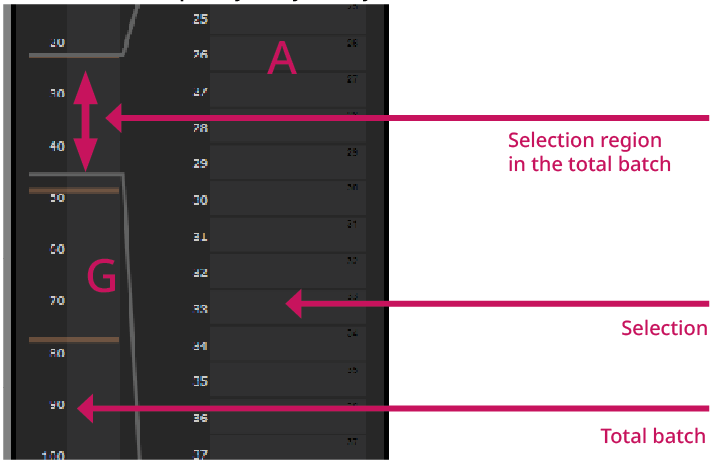
Figure 2. QcStation - detailed view of the selection region