Creating a report
- To create a report, simply click the Create report button.
-
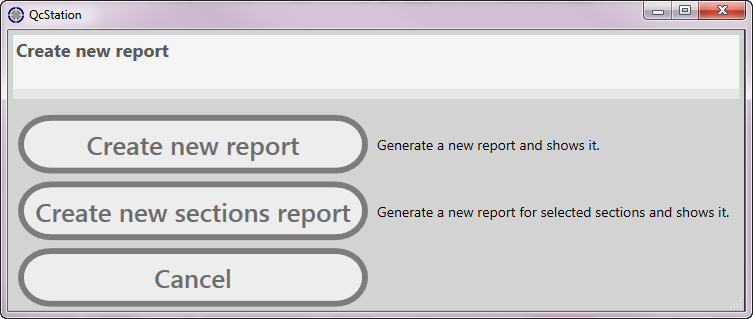
A selection screen appears where you have the following options.
- Create a sections report with Create new sections report.
- Create a full report with Create new report.
- Click the appropriate button.