
Defining special regions in rendered reference
This task is relevant for the ProofRunner Sheetfed iX mode.
The individual items are displayed with a yellow border. The found items can be changed by using the mouse.
-
In the top left of the display screen are different buttons that simplify the
up defining. The corresponding function is displayed when the operator rolls
over the button with the mouse.
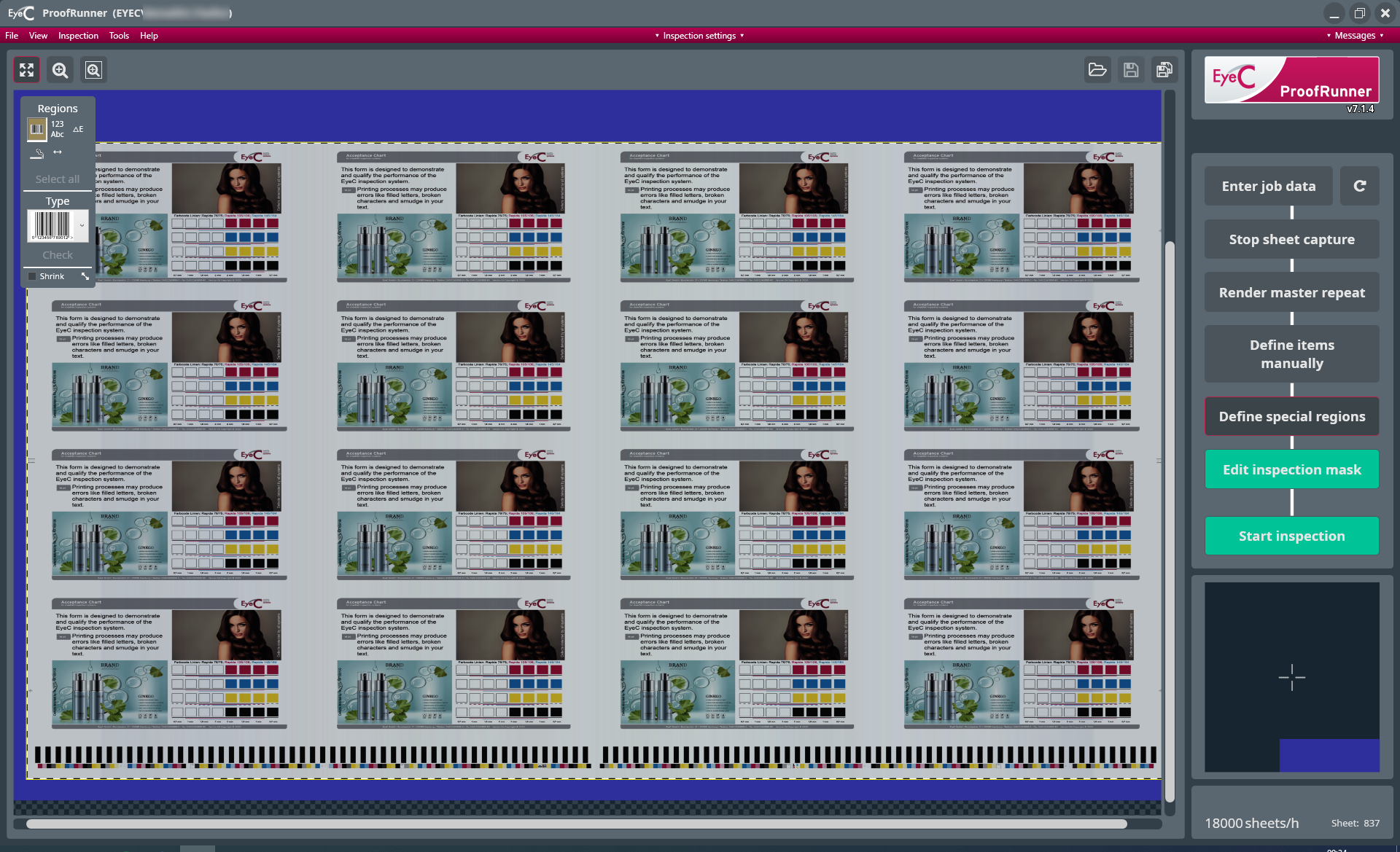
Figure 1. Editing tool for manually setting the values -
Choose from:
- To exclude the reference sheet area from the inspection, edit the
inspection mask accordingly. The necessary masking tools appear by clicking
on the Edit inspection mask button.

- Start the inspection automatically by clicking the Start
inspection button.

- To exclude the reference sheet area from the inspection, edit the
inspection mask accordingly. The necessary masking tools appear by clicking
on the Edit inspection mask button.