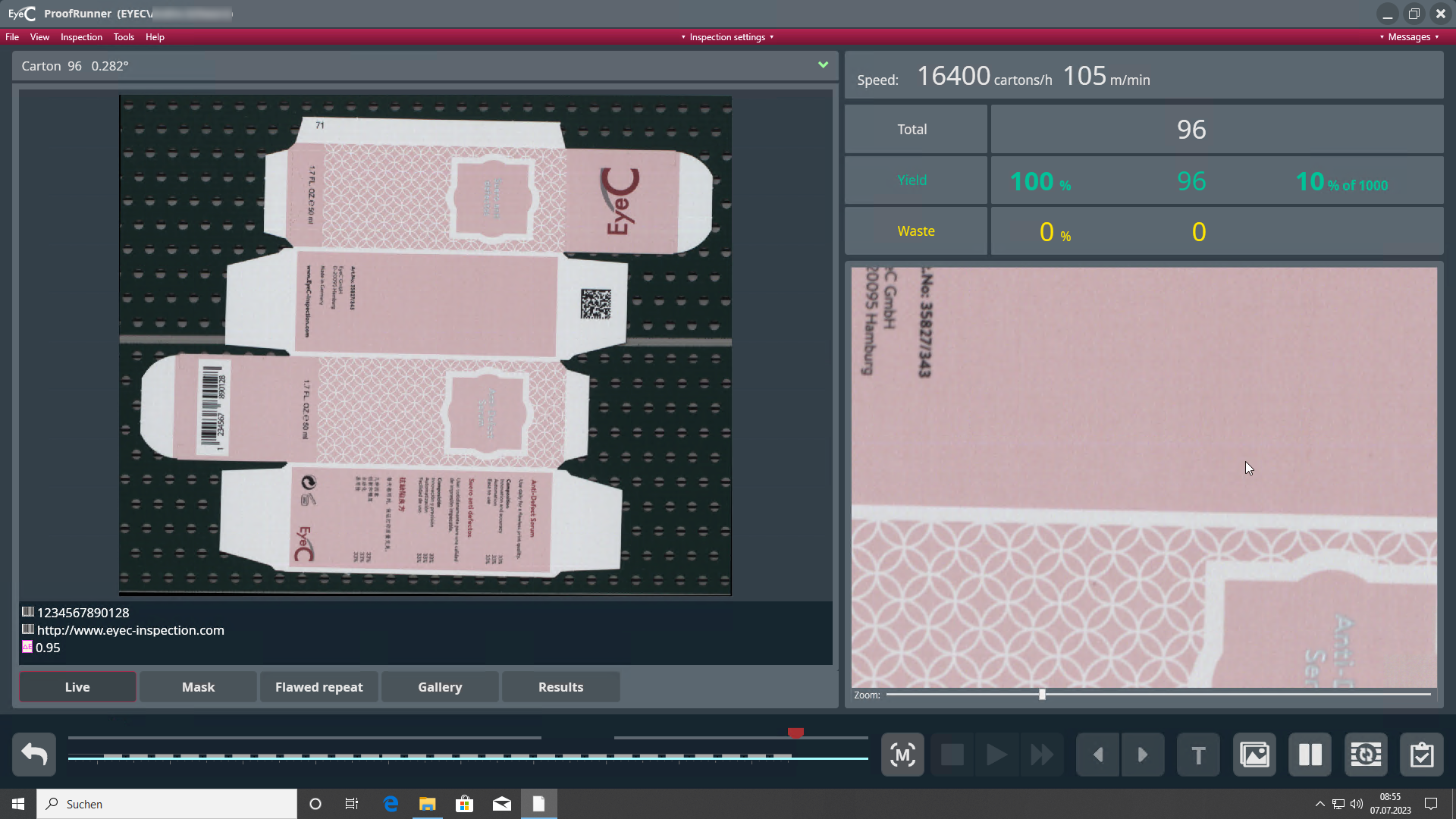
Starting the inspection
- If the carton feeder is empty, stop and reload the carton feeder. To resume the inspection, restart the loaded carton feeder.
- Ensure that the mask is positioned correctly.
-
To start your machine and begin the inspection, click the Start
inspection button.