
The report view
Note:
This screen is not shown if you use external
reporting. Refer to the EyeC ProofRunner Carton System Manual for information
about external reporting.
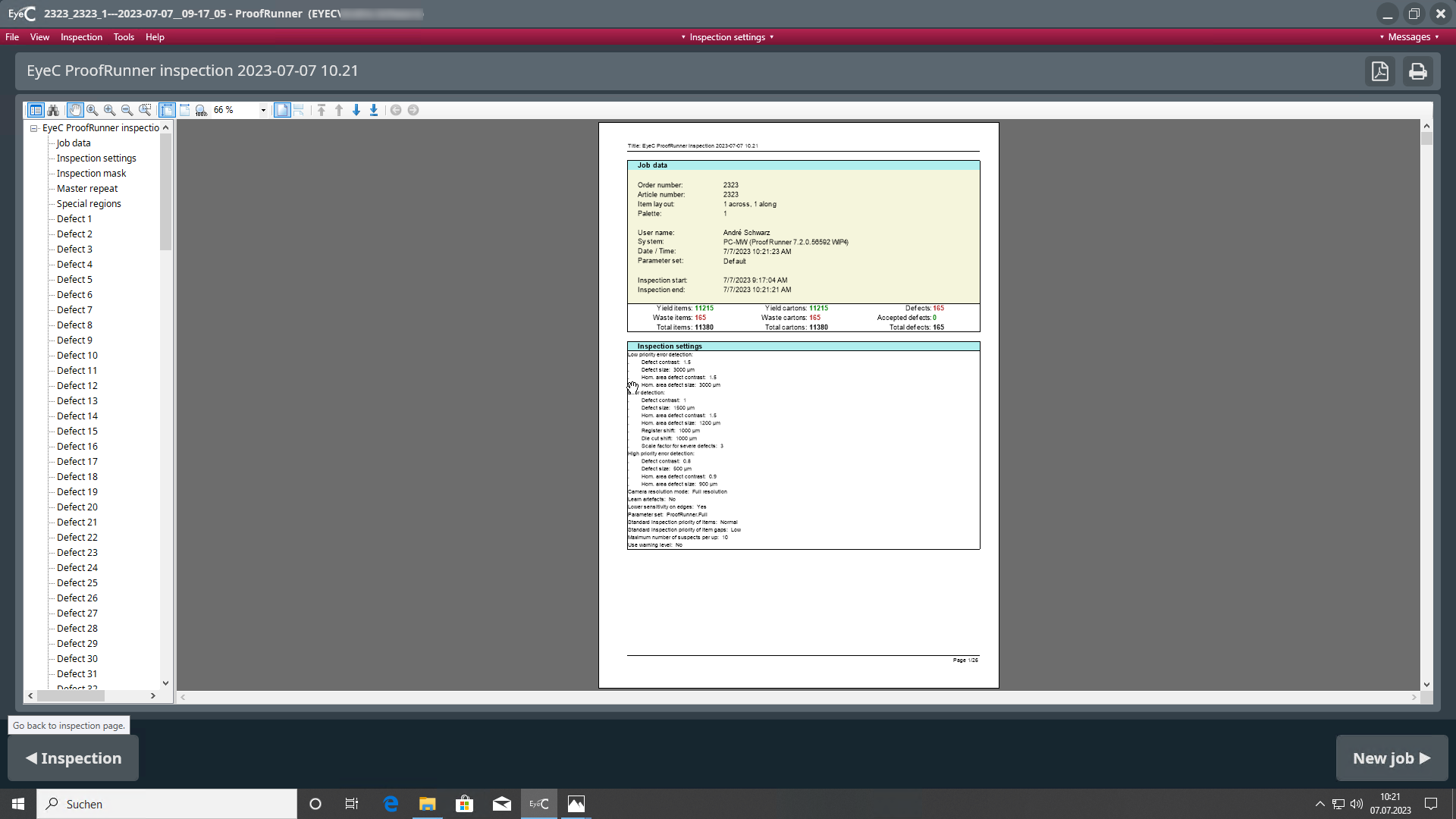
The report view automatically displays the job validation report.
-
To view the following pages of the report, scroll down using the scrollbar the Next page button.

-
To return to the inspection screen, click the Back button.
-
To return to the job set-up screen, click the Forward button.